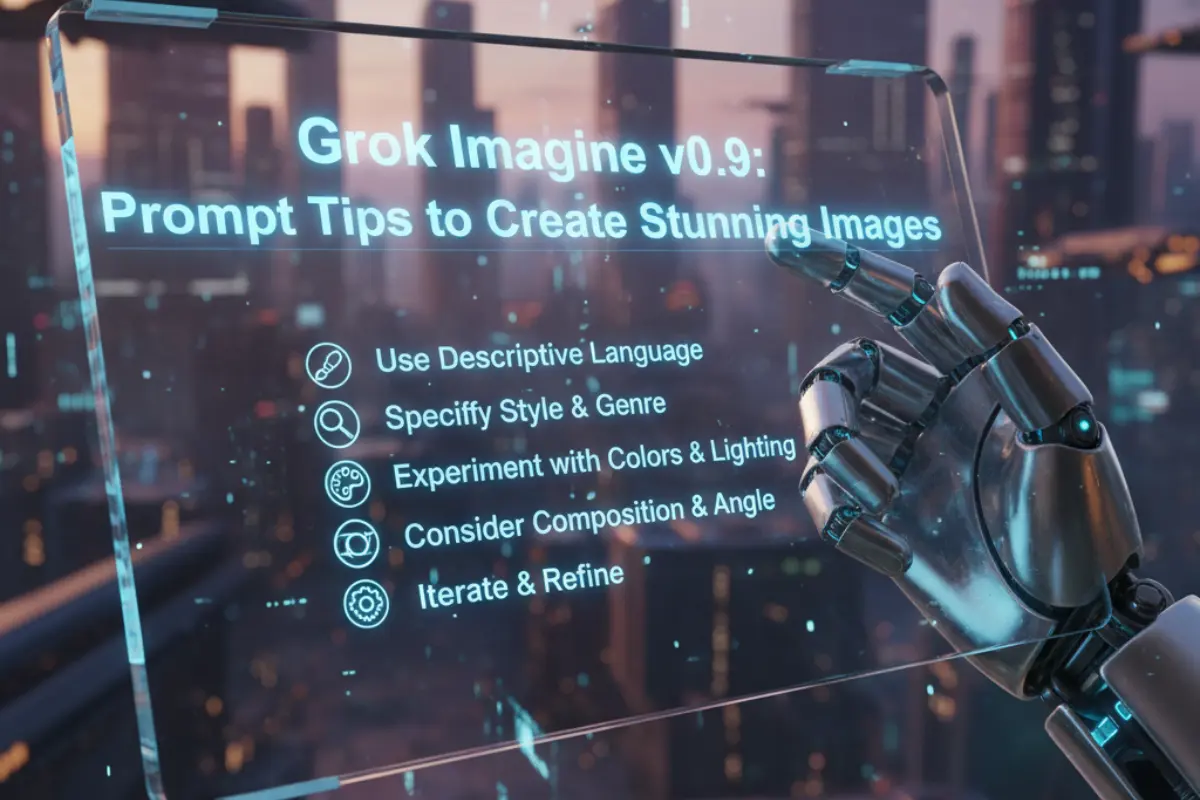
The world of AI-generated art is evolving fast, and Grok Imagine v0.9 is emerging as one of the most powerful tools for creating stunning visuals from text prompts. Whether you’re an artist, designer, or content creator, learning to write effective prompts can unlock an incredible range of creative possibilities.
This article will guide you through the art of crafting prompts that help Grok Imagine v0.9 deliver breathtaking, realistic, and artistic images.
What Is Grok Imagine v0.9?
Grok Imagine is an advanced AI-powered image generation tool developed by xAI. It transforms simple text prompts into high-quality visuals using deep learning and generative algorithms.
The v0.9 release introduces improved realism, enhanced lighting, more accurate composition, and a variety of visual styles ranging from photorealistic to fantasy art. Users can create artwork, portraits, landscapes, and concept visuals with minimal effort — all by describing what they want in natural language.
How Prompts Influence Image Quality
Prompts are the core of how Grok Imagine interprets your idea. The clearer and more descriptive your prompt, the better the output. A good prompt gives the AI a strong visual context — subject, setting, lighting, mood, and artistic style.
Here’s what an effective prompt includes:
-
Main subject – What you want the image to depict.
-
Details – Clothing, environment, materials, or background.
-
Lighting – Natural, cinematic, golden hour, neon, etc.
-
Mood or emotion – Calm, dramatic, mysterious, cheerful.
-
Art style – Photorealistic, anime, oil painting, digital art, watercolor.
Prompt Engineering Tips for Grok Imagine v0.9
1. Start With a Clear Subject
Begin every prompt by describing your main subject or focus.
Example:
“A futuristic warrior standing in a neon-lit city street at night.”
This sets a strong foundation for the AI to build upon.
Also read: Google Gemini Prompts for Gorgeous Karwa Chauth Photos
2. Add Style and Medium Keywords
Artistic keywords guide the aesthetic of the image.
Example:
“Digital illustration of a samurai, glowing armor, cinematic lighting, dynamic composition.”
3. Specify Lighting and Atmosphere
Lighting dramatically changes how an image feels.
Example:
“Soft golden-hour sunlight streaming through trees, gentle shadows, peaceful atmosphere.”
4. Mention Color Palette or Tone
Using color terms adds harmony and emotion.
Example:
“Warm orange and teal tones, subtle contrast, modern cinematic look.”
5. Include Perspective and Framing
Composition-related words define camera angles and focus.
Example:
“Wide-angle shot of a mountain landscape, fog in the valley, detailed foreground.”
6. Enhance Realism with Texture and Details
Textures bring authenticity to the scene.
Example:
“Old cobblestone street, reflections in puddles, rain-soaked surfaces, glowing lamps.”
7. Use Negative Prompts (If Supported)
If Grok Imagine supports negative prompts, use them to avoid unwanted elements.
Example:
“No text, no watermark, less blur, no extra people.”
Sample Prompts for Inspiration
-
“Futuristic city skyline at twilight, neon reflections on wet streets, cinematic depth, ultra-realistic style.”
-
“Anime-style forest spirit near a glowing pond, soft pastel colors, dreamy lighting.”
-
“Close-up macro shot of a butterfly wing with dewdrops, extreme detail, shallow depth of field.”
-
“Surreal floating island above clouds, waterfalls cascading, fantasy atmosphere, golden lighting.”
These examples show how combining clear subjects with descriptive modifiers can produce unique and eye-catching results.
Common Prompting Mistakes to Avoid
-
Too vague: “A forest” gives generic results. Be specific about lighting, color, and mood.
-
Contradictory styles: Avoid mixing incompatible cues like “realistic cartoon.”
-
Overloaded prompts: Too many adjectives confuse the AI. Keep prompts focused and coherent.
-
Ignoring limitations: AI may not perfectly render hands, faces, or text — adjust expectations accordingly.
Workflow for Perfecting Grok Imagine Prompts
-
Start simple: Begin with a short, focused description.
-
Refine gradually: Add modifiers for style, light, and mood.
-
Test variations: Generate multiple outputs to compare results.
-
Iterate: Adjust based on what works best.
-
Save your best prompts: Create a personal “prompt library” for future use.
Ethical & Creative Considerations
While Grok Imagine allows flexible creativity, users should always generate content responsibly. Avoid offensive or copyrighted material, and respect privacy and consent when referencing real individuals. AI art should enhance creativity — not misuse or misrepresent it.
Grok Imagine v0.9 is a remarkable step forward in AI image generation. With the right prompts, you can create visuals that look professional, cinematic, and emotionally engaging.
The secret lies in precision — combining artistic imagination with structured prompt engineering. Keep experimenting, refining, and documenting your prompt strategies, and soon you’ll be producing AI-generated images that truly stand out.